1. Compress.FAST — Best for Batch Processing
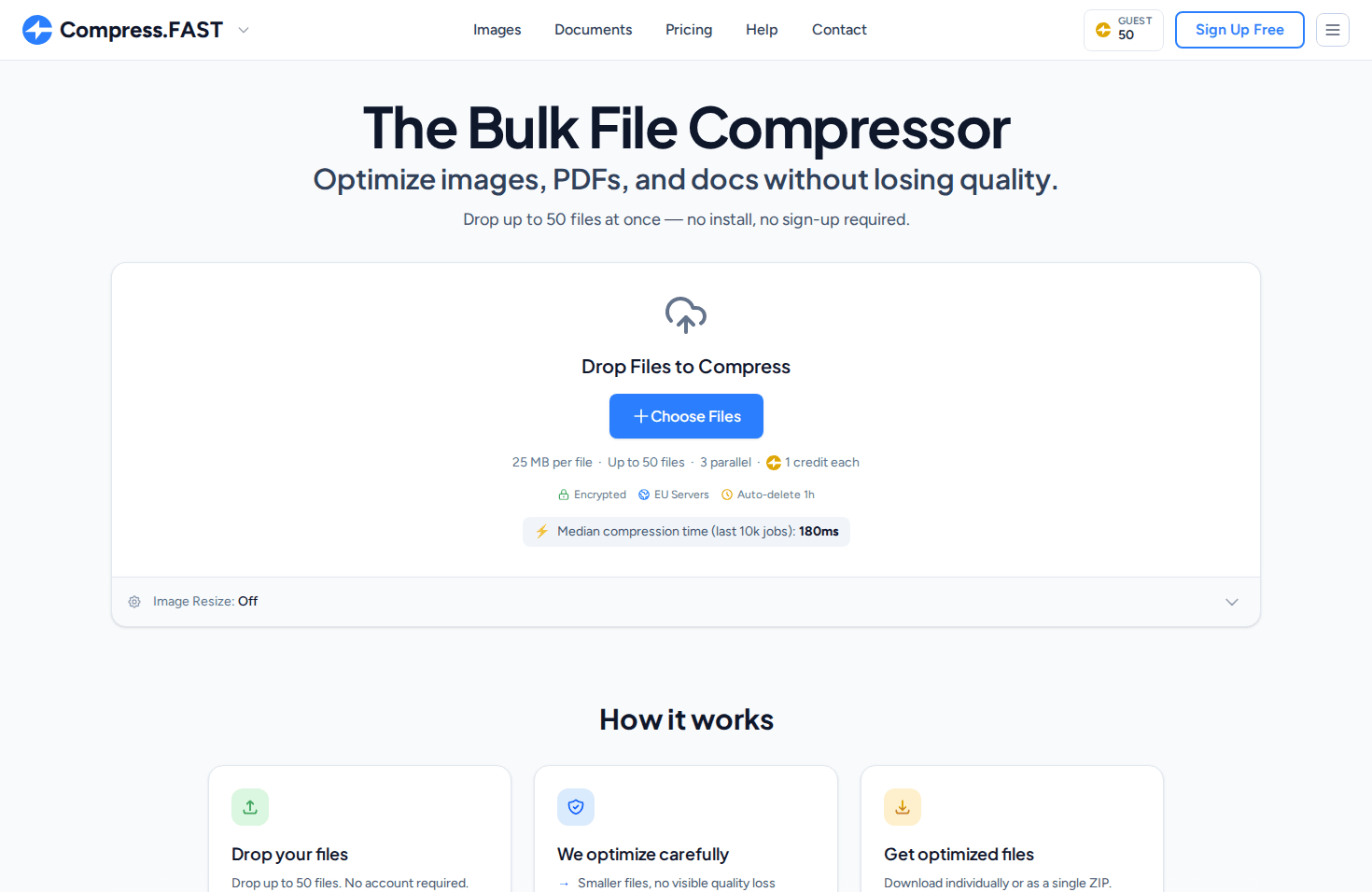
Compress.FAST is a browser-based file optimizer built for speed, privacy, and broad format support. It handles images (JPG, PNG, WebP, AVIF, HEIC), PDFs, Word documents, and PowerPoint files—a combination that distinguishes it from image-only or PDF-only tools.
The platform processes up to 1,000 files at once with a median compression time of 172 milliseconds per file. Files are processed on encrypted EU servers (TLS 1.3 in transit, AES-256 at rest) and automatically deleted after one hour.
- Format Support — Over 40 formats including JPG, PNG, WebP, AVIF, HEIC, PDF, DOCX, and PPTX. Also supports 26 RAW camera formats.
- Batch Size — Up to 1,000 files at once on Pro, 50 files free
- Privacy — EU servers, TLS 1.3, AES-256 encryption, automatic deletion after 1 hour
- Quality Verification — Before/after slider to verify compression results
Why It Stands Out
Compress.FAST is the only free tool in this list that handles images, PDFs, and Office documents with true batch processing. The document support (PDF, Word, PowerPoint) is rare among browser-based tools.
Pricing: 50 free credits daily without signup. Pro ($12/month) and pay as you go credits unlock higher limits and bigger batches.
Website: compress.fast
2. Adobe Acrobat Online — Best for Brand Trust
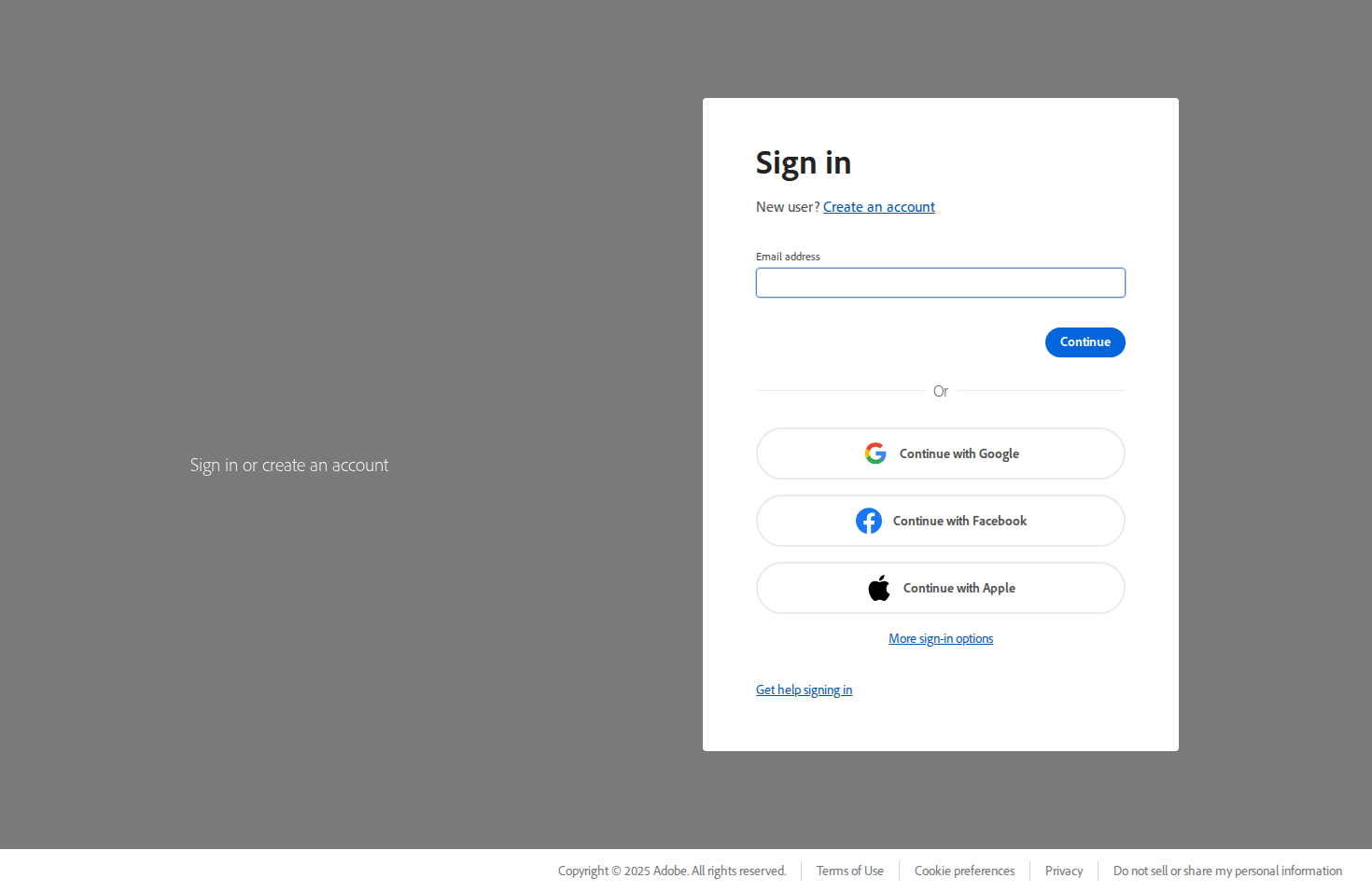
Adobe Acrobat Online is the web-based extension of Adobe's industry-standard PDF software. It offers a free PDF compression tool that leverages the same technology used in the desktop application.
The tool provides three compression levels (high, medium, low quality) and maintains document structure, bookmarks, and metadata. The Adobe brand provides enterprise confidence for business users who need to share compressed PDFs with clients.
- Format Support — PDF only
- Free Limit — 2 tasks per day, 100 MB file size limit
- Compression Levels — High, medium, and low quality options
- Integration — Works with Adobe Creative Cloud ecosystem
Pricing: Free tier with daily limits. Acrobat Pro subscription removes limits and adds full PDF editing capabilities.
Website: adobe.com/acrobat/online
3. Smallpdf — Best for PDF Workflows
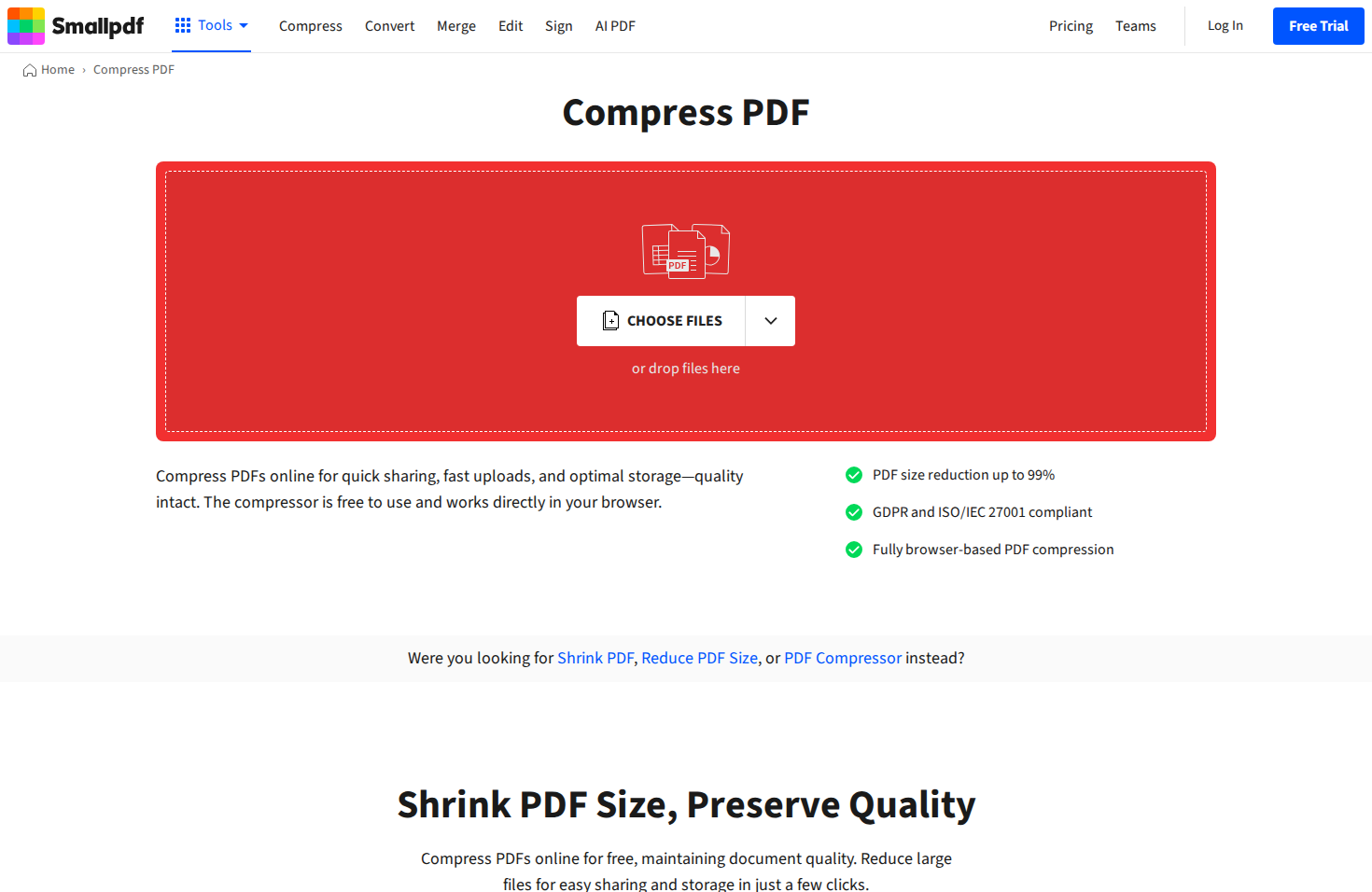
Smallpdf is a comprehensive PDF toolkit that goes beyond compression. The platform offers 20+ PDF tools including merge, split, convert, and e-sign functionality. The compression tool uses intelligent algorithms to reduce file size while preserving readability.
The free tier allows two tasks per day with ads. Pro subscribers get unlimited processing, batch operations, and an ad-free experience. The interface is clean and intuitive, making it accessible to non-technical users.
- Format Support — PDF primary, with image and Office conversion tools
- Free Limit — 2 tasks per day, 5 GB total storage
- Compression Options — Basic and strong compression modes
- Additional Tools — Merge, split, convert, e-sign, edit
Pricing: Free tier with daily limits. Pro ($12/month billed annually) removes limits and adds batch processing.
Website: smallpdf.com
4. iLovePDF — Best Free PDF Suite
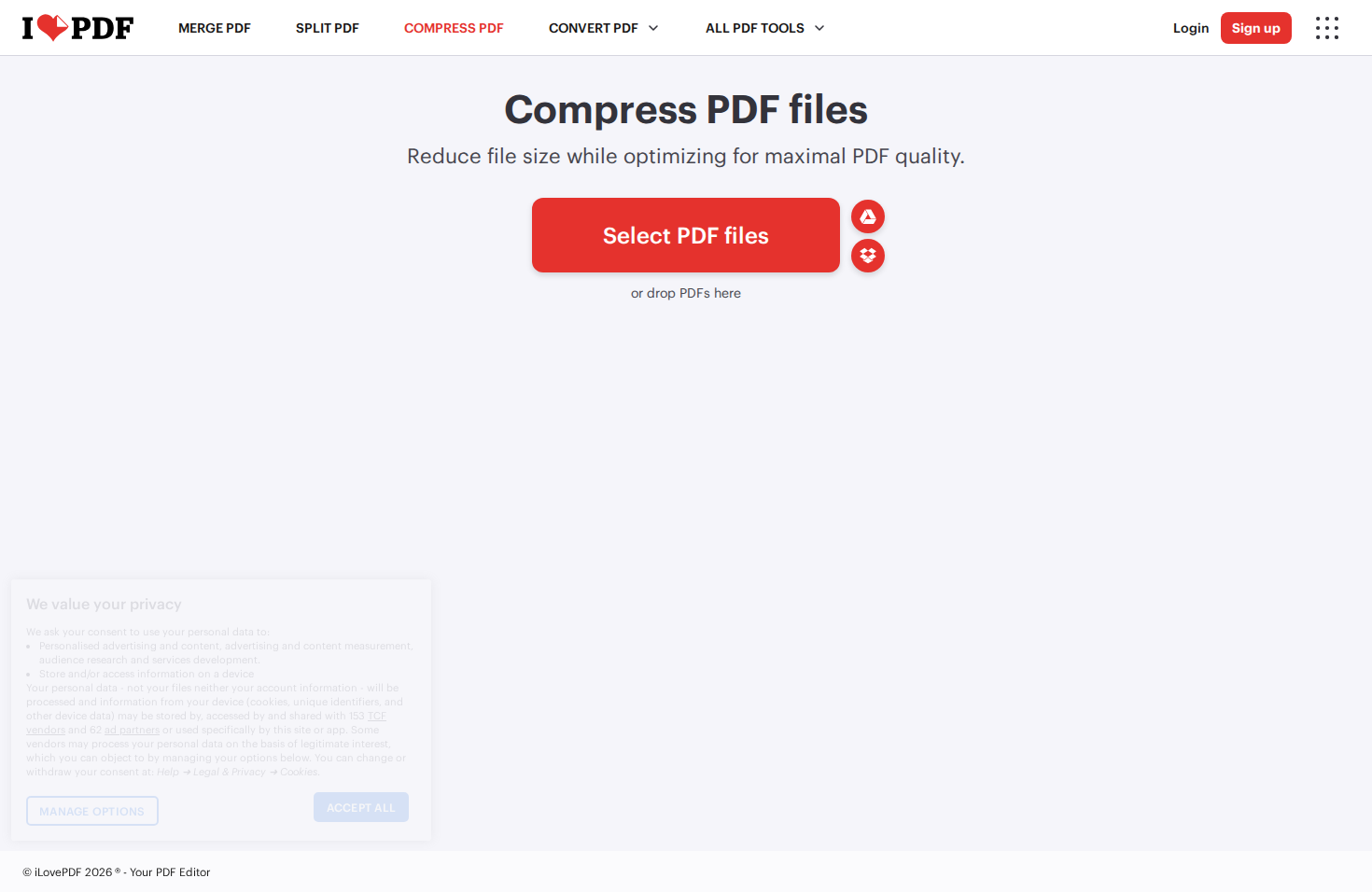
iLovePDF offers a generous free tier for PDF compression and manipulation. The platform provides similar functionality to Smallpdf but with more lenient free usage limits. Multiple compression levels let you balance file size against quality.
The tool supports batch processing even on the free tier, though with file count limits. Desktop and mobile apps are available for offline processing, which is useful for sensitive documents.
- Format Support — PDF primary, with image and Office conversion
- Free Limit — More generous than Smallpdf—multiple files per task
- Compression Levels — Extreme, recommended, and less compression
- Offline Apps — Desktop and mobile apps available
Pricing: Free tier with daily limits. Premium ($7/month billed annually) removes limits.
Website: ilovepdf.com
5. PDF24 Tools — Best for EU Privacy
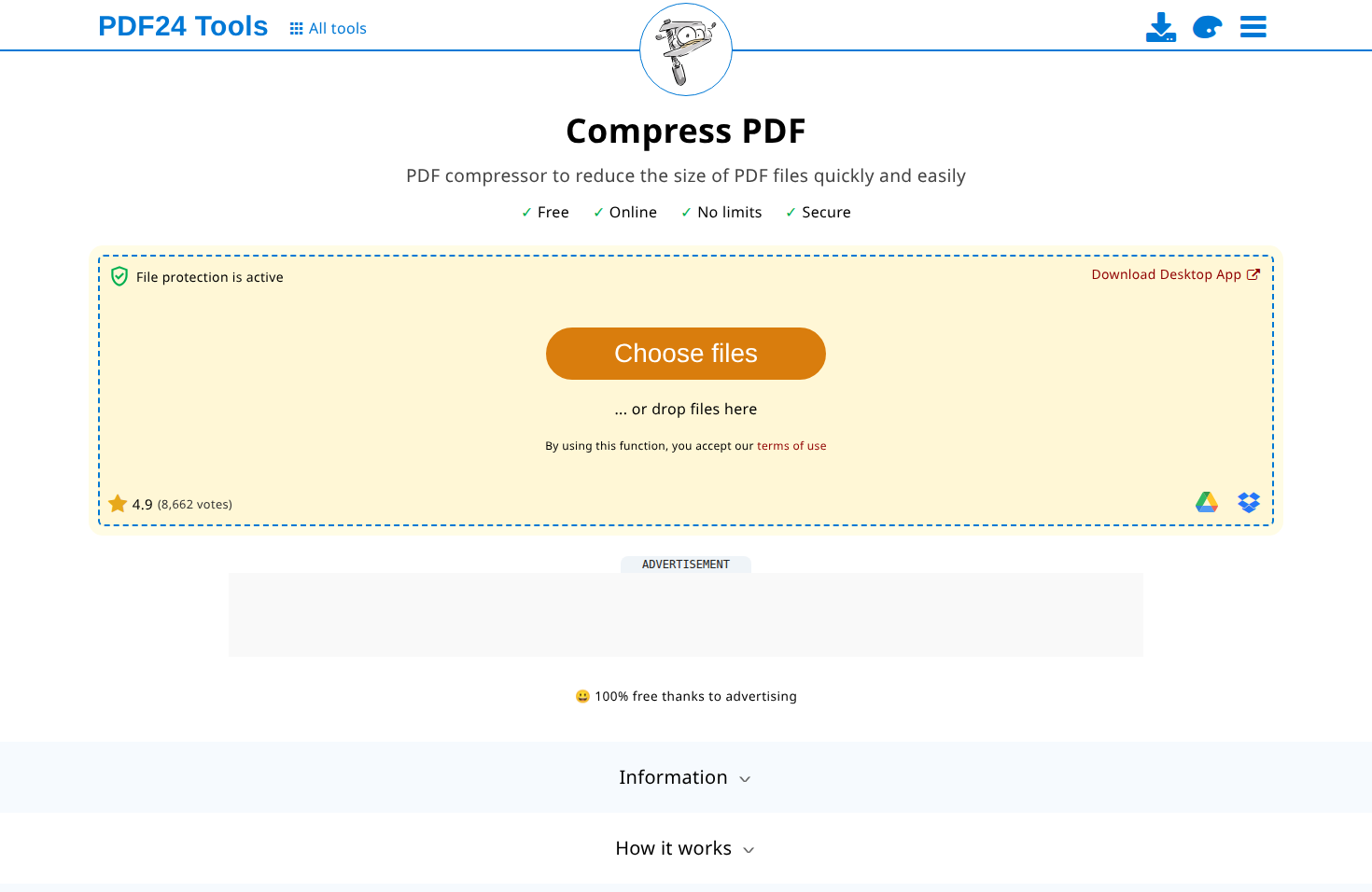
PDF24 is a German company that offers a completely free PDF toolkit—no premium tier, no daily limits. The compression tool provides multiple preset levels plus manual DPI and image quality controls for fine-tuning.
As a German company, PDF24 operates under strict EU data protection regulations. The platform also offers a desktop application for those who prefer local processing.
- Format Support — PDF only
- Free Limit — Completely free, no daily limits
- Privacy — German company, EU data protection (GDPR)
- Controls — DPI reduction, image quality, color mode options
Privacy Note
PDF24 is one of the few tools that's genuinely free with no premium upsell. The German hosting and GDPR compliance make it a solid choice for EU-based users with privacy concerns.
Pricing: Completely free.
Website: tools.pdf24.org
6. TinyPNG/TinyJPG — Industry Standard for Images
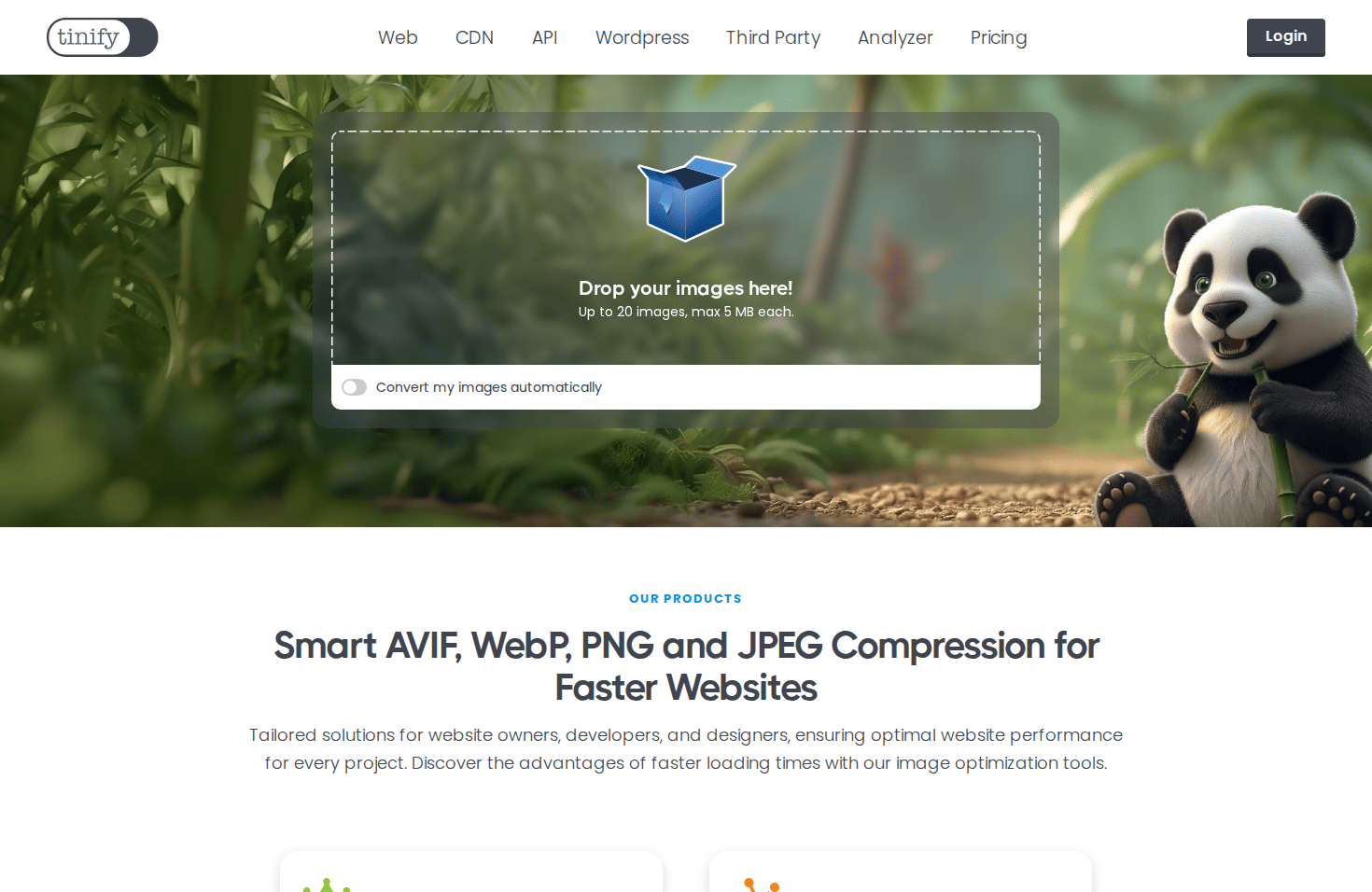
TinyPNG (and its sibling TinyJPG) is the industry standard for web image optimization. The tool uses smart lossy compression that reduces PNG and JPG file sizes by 60-80% with minimal visible quality loss. The panda mascot is instantly recognizable to web developers.
The compression algorithm is particularly effective at reducing PNG file sizes—often achieving better results than other tools. It also supports WebP and AVIF output formats for modern browsers.
- Format Support — PNG, JPG, WebP, AVIF
- Free Limit — 20 files at once, 5 MB per file
- API Access — Developer API for automation ($9.99/year for 500 images)
- Plugins — WordPress, Photoshop, and other integrations
Pricing: Free for up to 20 files at once. Pro ($39/year) and Ultra ($149/year) plans offer larger file limits and more batch capacity.
Website: tinypng.com
7. Squoosh — Best for Privacy (Client-Side)
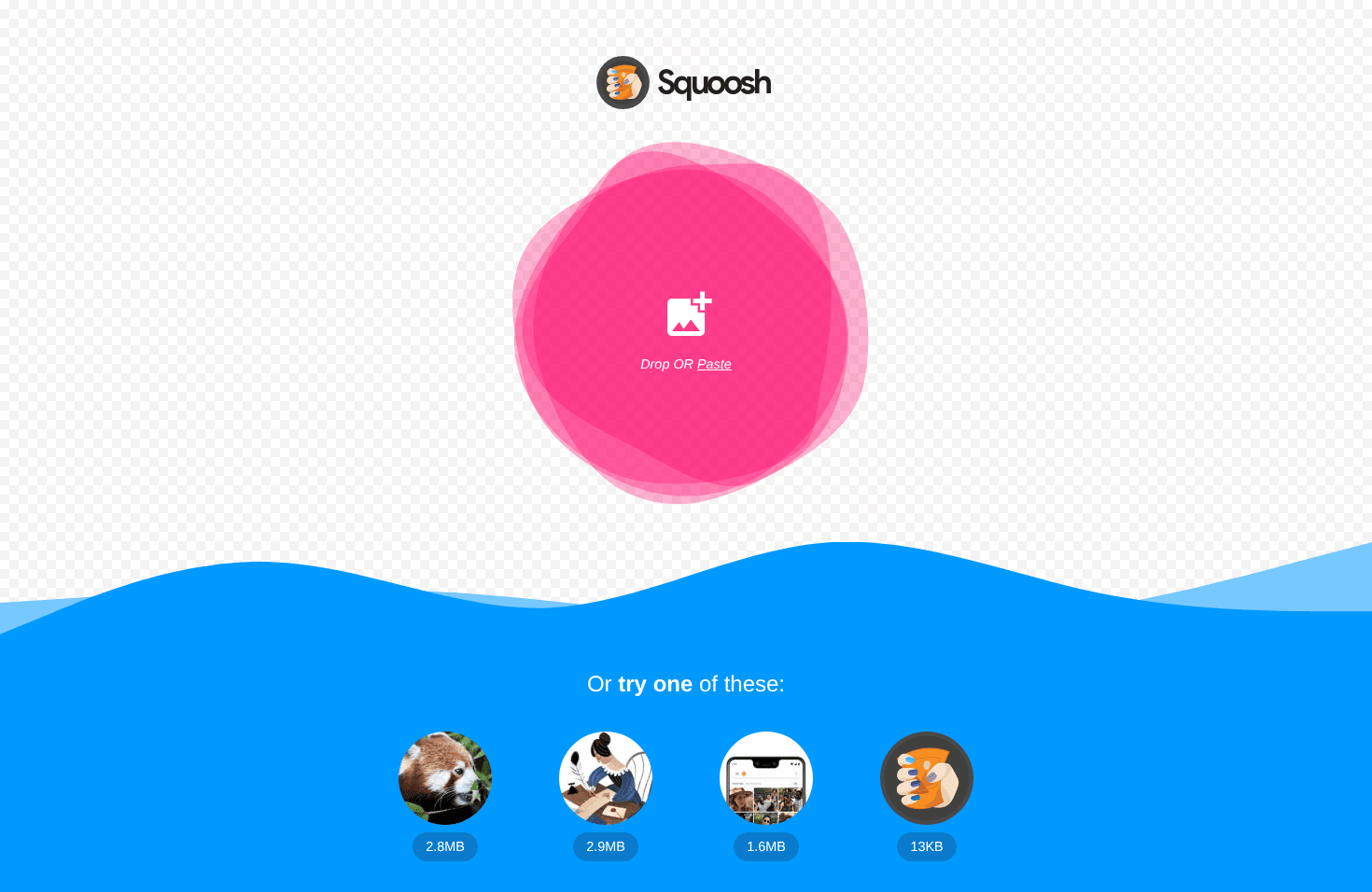
Squoosh is a free image optimizer from the Google Chrome team. Its key differentiator is that all processing happens locally in your browser—files never leave your device. This makes it the most private option available for image compression.
The tool excels at format comparison. You can view the same image in different formats (WebP, AVIF, MozJPEG, OxiPNG) side-by-side with a quality slider. This is invaluable for choosing the optimal format and quality level for your use case.
- Privacy — 100% client-side—files never uploaded
- Format Options — MozJPEG, WebP, AVIF, OxiPNG, JPEG XL, and more
- Advanced Controls — Fine-grained quality, resize, and codec settings
- Batch Size — Single file only (no batch processing)
Best For
Squoosh is ideal when you need maximum privacy, want to compare format options, or need precise control over compression settings. It's not suitable for batch processing—use it for individual files where quality matters most.
Pricing: Completely free, open-source.
Website: squoosh.app
8. Kraken.io — Professional Image Optimization
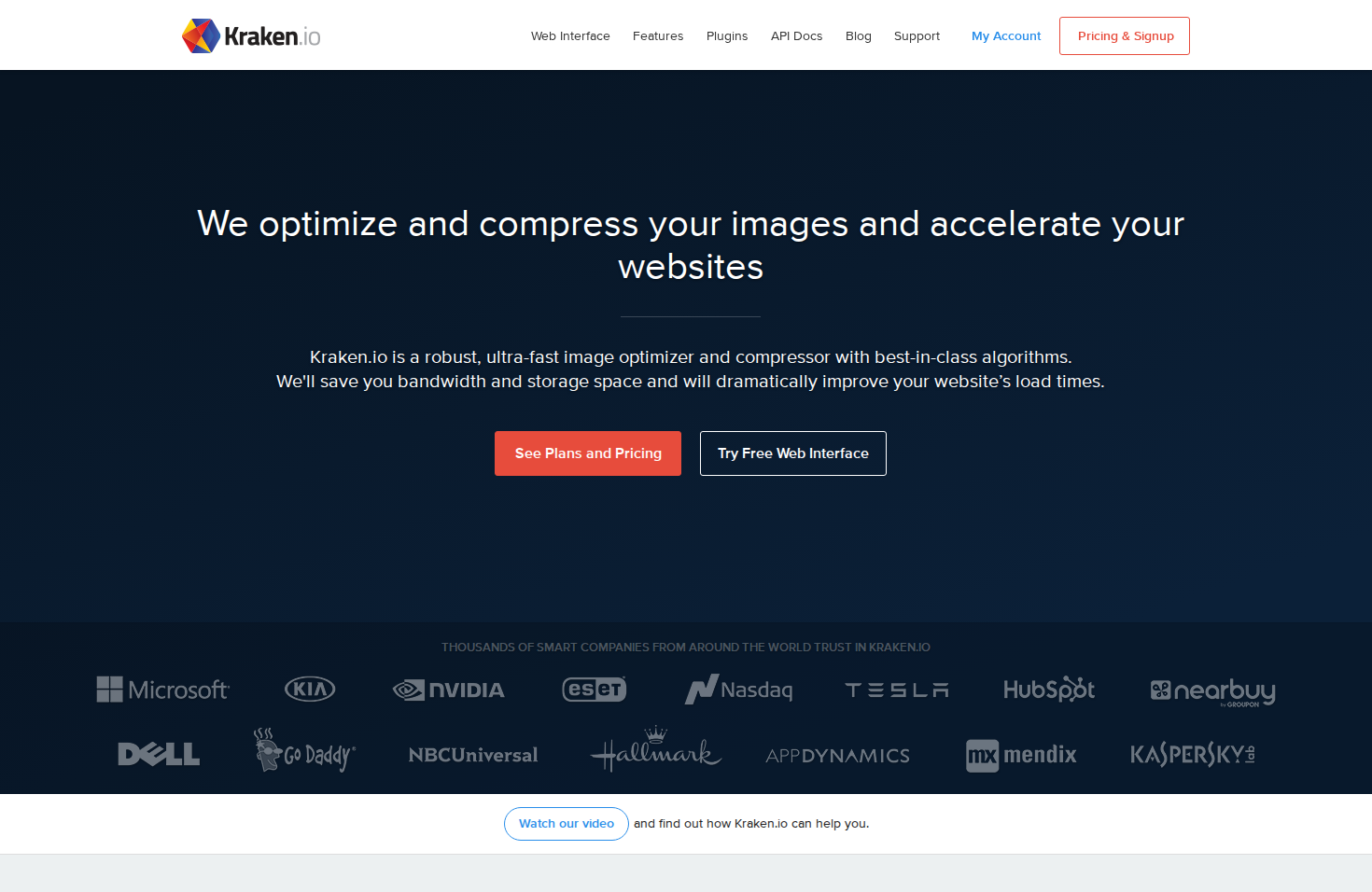
Kraken.io is a professional-grade image optimizer designed for developers and businesses. It offers both lossy and lossless compression modes with detailed control over quality settings.
The platform includes features like image resizing, format conversion, and metadata preservation. The API is well-documented and supports webhooks for asynchronous processing of large batches.
- Format Support — JPG, PNG, GIF, SVG, WebP
- Free Limit — 100 MB per month, 1 MB max file size
- API Features — Webhooks, resize on the fly, format conversion
- Compression Modes — Lossy, lossless, and expert mode with custom settings
Pricing: Free tier with monthly bandwidth limit. Pro ($5/month) adds 500 MB. Team and Enterprise plans scale to 40 GB+.
Website: kraken.io
9. ShortPixel — Best WordPress Integration
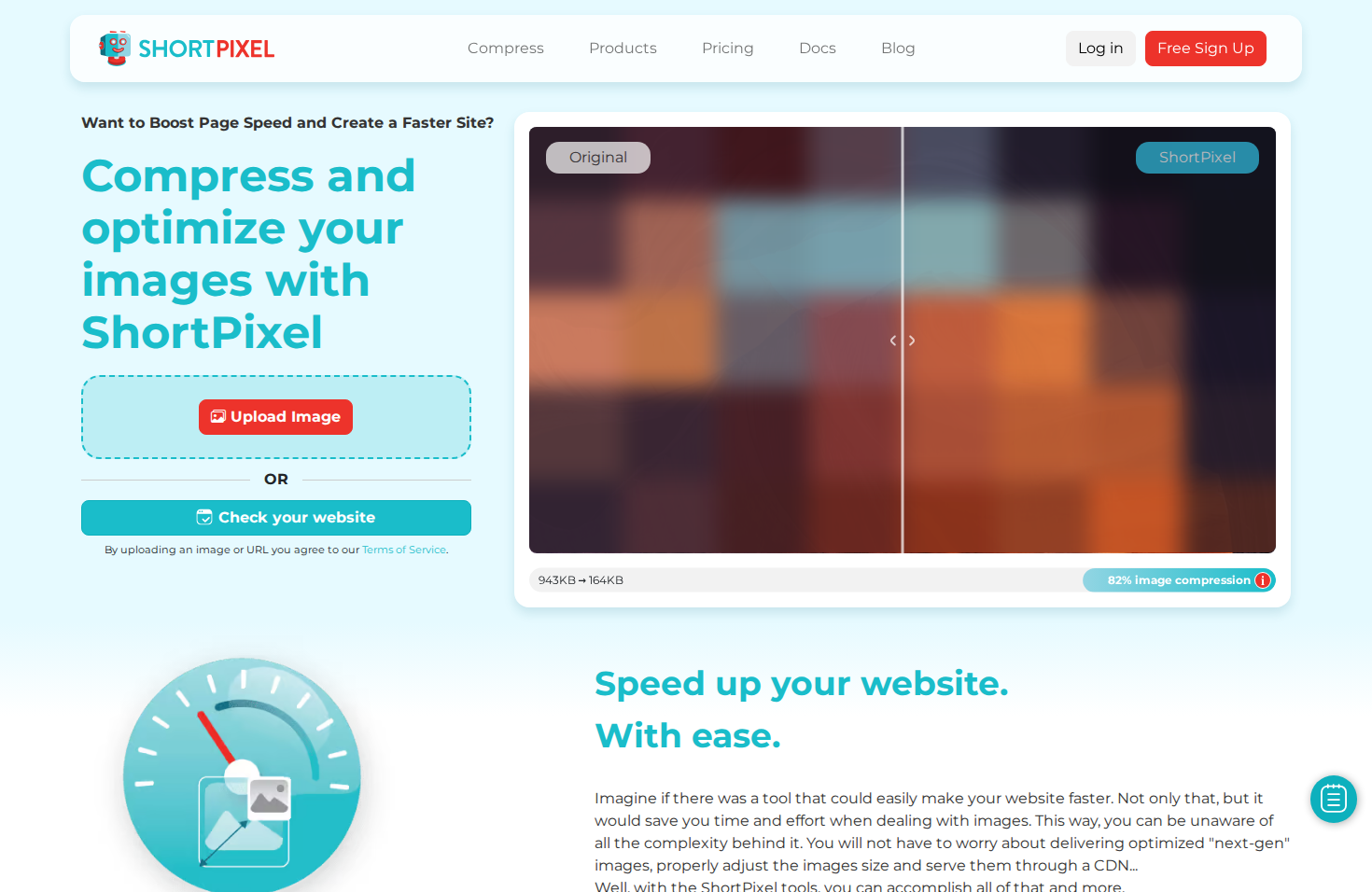
ShortPixel is an image optimizer with particularly strong WordPress integration. The plugin automatically compresses images on upload, including generating WebP and AVIF versions for modern browsers.
The web interface offers both lossy and lossless compression plus a "glossy" mode that balances quality and file size. The tool also handles PDF compression, making it more versatile than image-only alternatives.
- Format Support — JPG, PNG, GIF, WebP, AVIF, PDF
- Free Limit — 100 images per month
- WordPress Plugin — Auto-compress on upload, bulk optimize existing media
- Compression Modes — Lossy, glossy (balanced), and lossless
Pricing: Free tier with 100 images/month. One-time credits start at $9.99 for 10,000 images. Monthly plans from $3.99.
Website: shortpixel.com
10. WeCompress — Best for Office Documents
WeCompress focuses on Microsoft Office documents—Word, PowerPoint, and Excel files. The tool compresses embedded images and removes unnecessary metadata to reduce file sizes, often achieving 50-90% reduction on image-heavy presentations.
The interface is minimal: drag a file, download the compressed version. There's no sign-up required and no watermarks added. Files are deleted from servers after processing.
- Format Support — PDF, Word, PowerPoint, Excel, JPG, PNG
- Free Limit — No explicit limit, but single file processing
- Privacy — Files deleted after download
- Batch Processing — No batch support
Pricing: Free for individual files. No premium tier available.
Website: wecompress.com
11. FreeConvert — Multi-Format Compression
FreeConvert is a general-purpose file conversion platform that includes compression tools. It handles images, documents, video, and audio files—making it useful when you need to compress multiple file types in one session.
The tool offers advanced options like target file size specification and quality presets. The free tier is ad-supported with file size limits, while paid plans remove ads and increase limits.
- Format Support — Images, PDF, video, audio, documents
- Free Limit — 1 GB file size, 25 conversions per day
- Advanced Options — Target file size, quality presets, batch processing
- Video Support — Compress MP4, MOV, AVI, and other video formats
Pricing: Free tier with ads and limits. Premium ($9.99/month) removes ads and increases file size to 5 GB.
Website: freeconvert.com
12. CloudConvert — Best API for Developers
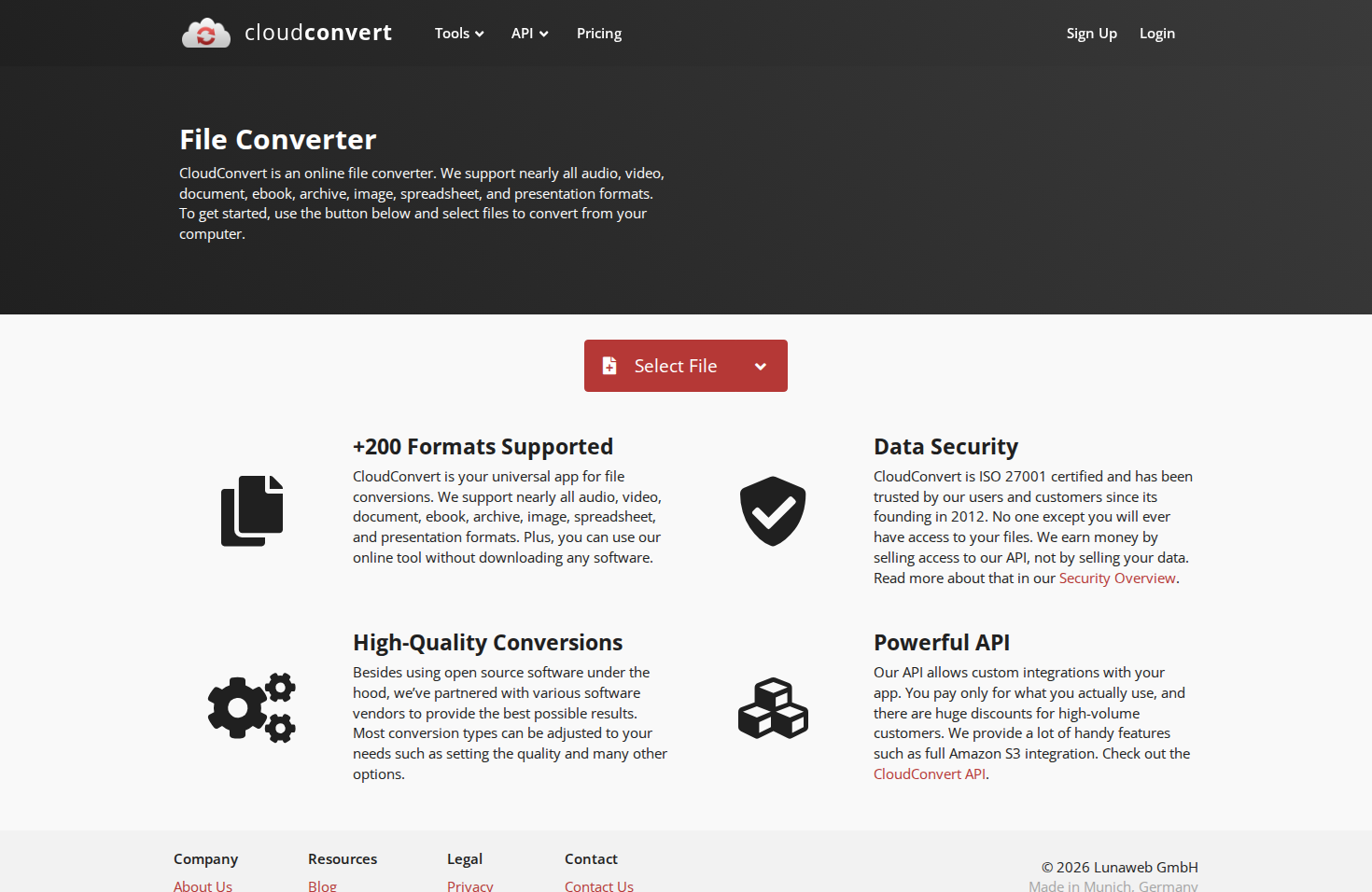
CloudConvert is a developer-focused platform that handles file conversion and optimization. The API supports over 200 formats with detailed configuration options for compression quality, output format, and processing workflows.
The platform excels at automation—you can chain conversions, set up webhooks, and integrate with cloud storage services. It's overkill for occasional use but valuable for developers building file processing features.
- Format Support — 200+ formats including images, documents, video, audio
- Free Limit — 25 conversion minutes per day
- API Features — Webhooks, cloud storage integration, chained workflows
- Developer Focus — REST API, SDKs for multiple languages
Pricing: Free tier with 25 minutes/day. Paid plans start at $8/month for 500 conversion minutes.
Website: cloudconvert.com
Comparison Table
Here's a complete comparison of all 12 free online file compression tools across key features.
| Tool | Best For | Formats | Free Limit | Batch |
|---|---|---|---|---|
| Compress.FAST | Batch processing | 40+ (images, PDF, Office) | 50 credits/day | Yes (1,000) |
| Adobe Acrobat | Brand trust | PDF only | 2 tasks/day | No |
| Smallpdf | PDF workflows | PDF, images | 2 tasks/day | Pro only |
| iLovePDF | Free PDF suite | PDF, images | Generous daily | Limited |
| PDF24 | EU privacy | PDF only | Unlimited | Yes |
| TinyPNG | Image quality | PNG, JPG, WebP, AVIF | 20 files, 5 MB | Yes (20) |
| Squoosh | Privacy (client-side) | Images | Unlimited | No |
| Kraken.io | API/developers | Images, SVG | 100 MB/month | Yes |
| ShortPixel | WordPress | Images, PDF | 100 images/month | Yes |
| WeCompress | Office documents | PDF, Word, PPT, Excel | No explicit limit | No |
| FreeConvert | Multi-format | Images, video, audio | 25 conversions/day | Yes |
| CloudConvert | Developer API | 200+ formats | 25 min/day | Yes |
Making the Final Decision
The right tool depends on your specific needs. Here's a practical guide based on common use cases:
For Batch Image and Document Compression
Choose Compress.FAST if you regularly need to compress multiple files at once—especially if you work with a mix of images, PDFs, and Office documents. The 1,000-file batch limit and sub-200ms processing time make it ideal for bulk workflows.
For PDF-Only Tasks
Choose PDF24 for unlimited free PDF compression with EU privacy compliance. Choose iLovePDF or Smallpdf if you need additional PDF tools like merge, split, or e-sign functionality.
For Maximum Privacy
Choose Squoosh for images when files should never leave your device. The client-side processing means your files are never uploaded anywhere. For documents, consider PDF24 with its German hosting and GDPR compliance.
For WordPress Sites
Choose ShortPixel for its excellent WordPress plugin that auto-compresses uploads and generates WebP/AVIF versions. TinyPNG also offers a solid WordPress plugin if you prefer their compression algorithm.
For Developers and APIs
Choose CloudConvert for the most comprehensive API with 200+ format support and workflow automation. Choose Kraken.io for a simpler image-focused API with webhook support.
Pro Tip
You don't have to pick just one. Many users combine tools—Squoosh for sensitive individual images, Compress.FAST for batch processing, and PDF24 for quick PDF tasks. Use the right tool for each job.
Frequently Asked Questions
Here are direct answers to common questions about free online file compression tools.
Are free online compression tools safe to use?
Reputable tools like those in this list are generally safe. Look for HTTPS, clear privacy policies, and automatic file deletion. For sensitive files, use client-side tools like Squoosh where files never leave your device, or tools with EU hosting like Compress.FAST and PDF24.
Avoid obscure tools without clear privacy policies—they may store your files or use them for training AI models.
Do these tools reduce image quality?
It depends on the compression type. Lossy compression (used for JPG, WebP) removes some data to achieve smaller sizes. At quality settings around 80-85%, the difference is typically imperceptible while achieving 60-80% size reduction.
Lossless compression (used for PNG) reduces size without any quality loss. Tools like Compress.FAST provide before/after sliders so you can verify quality before downloading. Learn more about lossy vs lossless compression.
Which tool is best for compressing images for email?
For single images, Squoosh offers the most control over quality and format. For multiple images, Compress.FAST or TinyPNG provide efficient batch processing.
Most email providers limit attachments to 25 MB total. If you're sending many images, compress them first, then consider also using a file archiver like 7-Zip to bundle them into a single attachment.
Why should I use online tools instead of desktop software?
Online tools require no installation, work on any device, and are always up to date. They're ideal for occasional use, working on shared computers, or when you need quick results without configuring software.
Desktop software is better for high-volume processing, offline work, or when working with confidential files that shouldn't leave your network. Many users combine both approaches.
Compress.FAST handles image and document optimization on encrypted EU-based servers and deletes your files automatically—fast, simple, and secure.

Stewart Celani
Founder
15+ years in enterprise infrastructure and web development. Stewart built Tools.FAST after repeatedly hitting the same problem at work: bulk file processing felt either slow, unreliable, or unsafe. Compress.FAST is the tool he wished existed—now available for anyone who needs to get through real workloads, quickly and safely.
Read more about Stewart